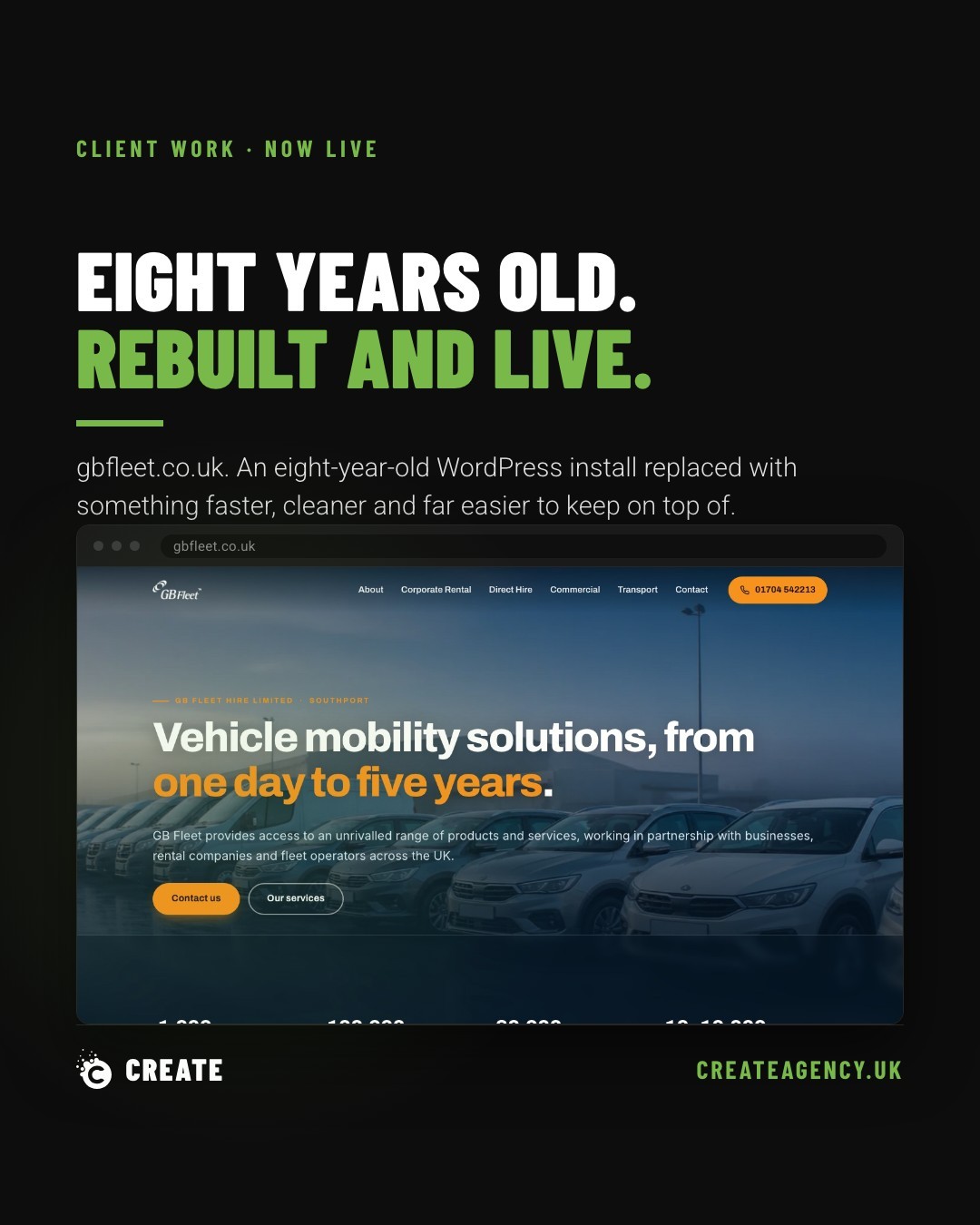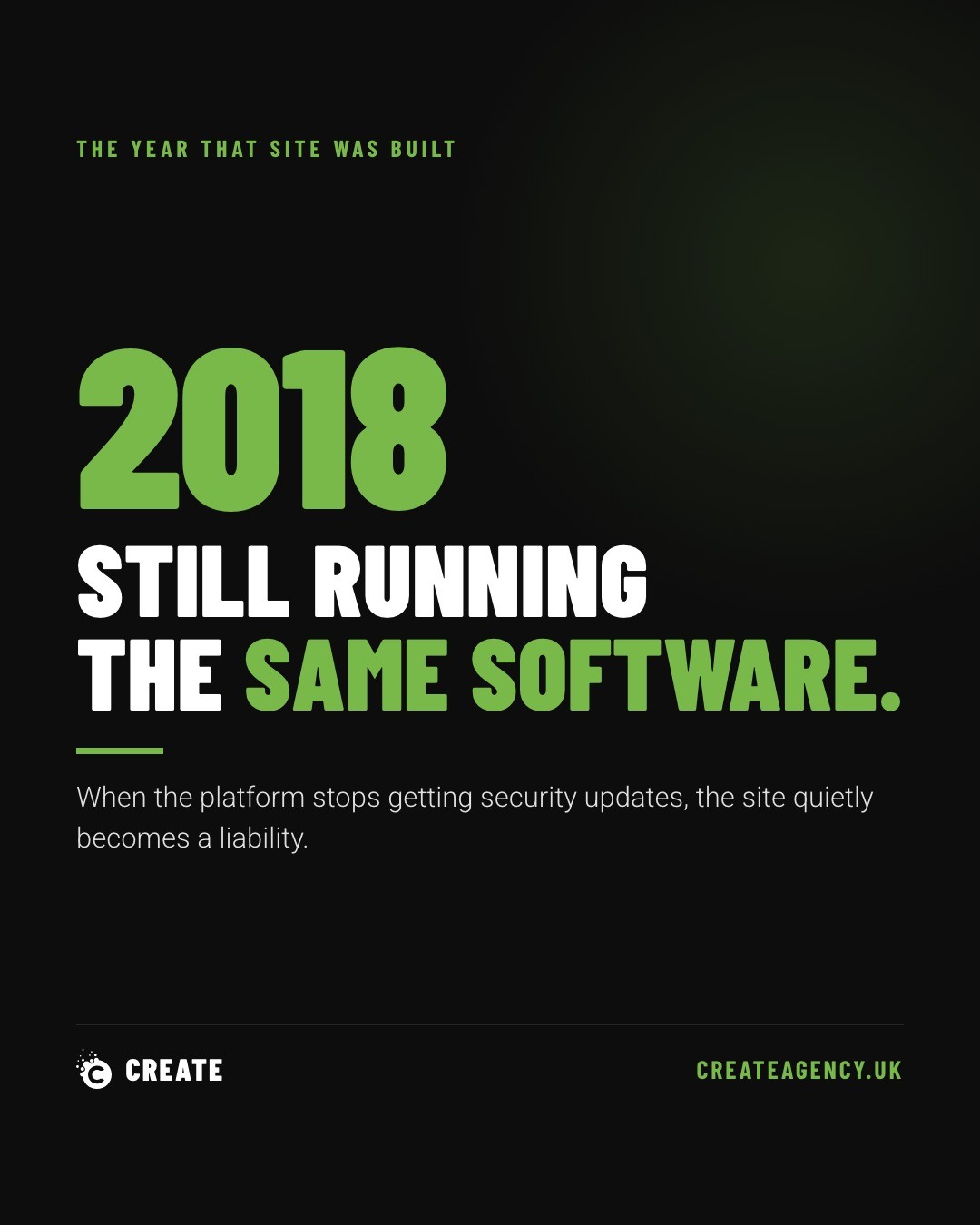
We replaced a client site this month that was still running software released in February 2018. Visually, nothing was wrong with it. It loaded, the buttons worked, the contact form sat there looking functional. That is precisely the trap.
A website never visibly rots. It doesn't fade, crack, or throw up a warning sign the day its underlying software stops receiving security updates. It just carries on serving pages, quietly, for months or years, until someone other than you notices what's actually going on underneath.
We see this constantly. Businesses assume that because a site still works, it's still fine. Those are two very different things, and the gap between them is where the real risk sits.
What Actually Ages On A Website
There's a rough order to how these things decay, and it's worth knowing because each one costs more than the last to fix.
The platform and its plugins. Once a CMS or plugin developer stops issuing updates, every known vulnerability from that point onward stays open. Nobody patches it because nobody's paying attention, and attackers know exactly which platforms have gone quiet.
The PHP version underneath. This one isn't optional. Hosting providers eventually deprecate old PHP versions whether a business is ready or not. When that switch flips, sites built on outdated code can break outright, sometimes overnight, with zero warning beyond an email nobody reads.
The contact form. Email providers periodically tighten their sending rules (SPF, DKIM, that sort of thing), and forms that once delivered perfectly well can start silently failing. No error message. No bounce-back. Just leads vanishing into nothing while the business assumes everything's still coming through.
The content. Slower, less dramatic, but real. Service pages describe offerings that changed two years ago. Team photos show people who left. Pricing, hours, locations, all quietly out of date, still telling visitors about a business that no longer exists in that exact form.
None of this shows up on screen. That's what makes it dangerous.
Why Nobody Notices Until It's Too Late
The honest answer is that most businesses only think about their website when something visibly breaks or when a customer complains. Between those two points, there's no natural trigger to check whether the platform is current, whether PHP is supported, or whether the form is still landing in an inbox.
We've built and rebuilt enough sites over the years to know that the ones causing genuine damage are rarely the ones that look broken. They're the ones that look completely normal right up until a security scanner flags them, a host forces an upgrade nobody planned for, or a business realises three months of enquiries never arrived.
The Simple Test
Here's a question worth asking honestly: can anyone in the business remember the last time something was updated on the website? Not the content calendar, the actual underlying software.
If the answer is a shrug, that's the answer. It doesn't automatically mean a full rebuild is needed. Plenty of sites just need a proper audit, an update to the platform and plugins, a PHP version check, and a test of the contact form to confirm it's actually delivering. Sometimes that's the whole job.
But somebody needs to actually look. Not glance at the homepage and decide it seems fine, but check what's running underneath it.
Getting An Honest Read On Where Things Stand
This is one of the more common conversations we have with businesses who come to us assuming they need a full rebuild when actually they need a health check first. We look at the platform version, the plugin ecosystem, the PHP status with the host, and whether forms and integrations are still doing their job. Sometimes that leads to a full site rebuild. Often it doesn't.
If it's been a while since anyone looked under the bonnet of the site, it's worth booking a call and finding out where things actually stand rather than guessing.